The XPS Googlebook is the first Dell laptop built for Gemini Intelligence¹ and designed to sync seamlessly with your Android phone. Featuring a 2.5K InfinityEdge touch display, Snapdragon X Elite processor and a machined aluminum chassis, this laptop elevates the Googlebook experience with premium design, materials and performance.
The XPS portfolio is expanding with a device designed for a new audience. The XPS Googlebook is a 13-inch laptop, joining the XPS family as the version built specifically for Android users. It combines Gemini Intelligence, premium materials, Android phone connectivity and Snapdragon X Elite performance.
A design that earns its premium

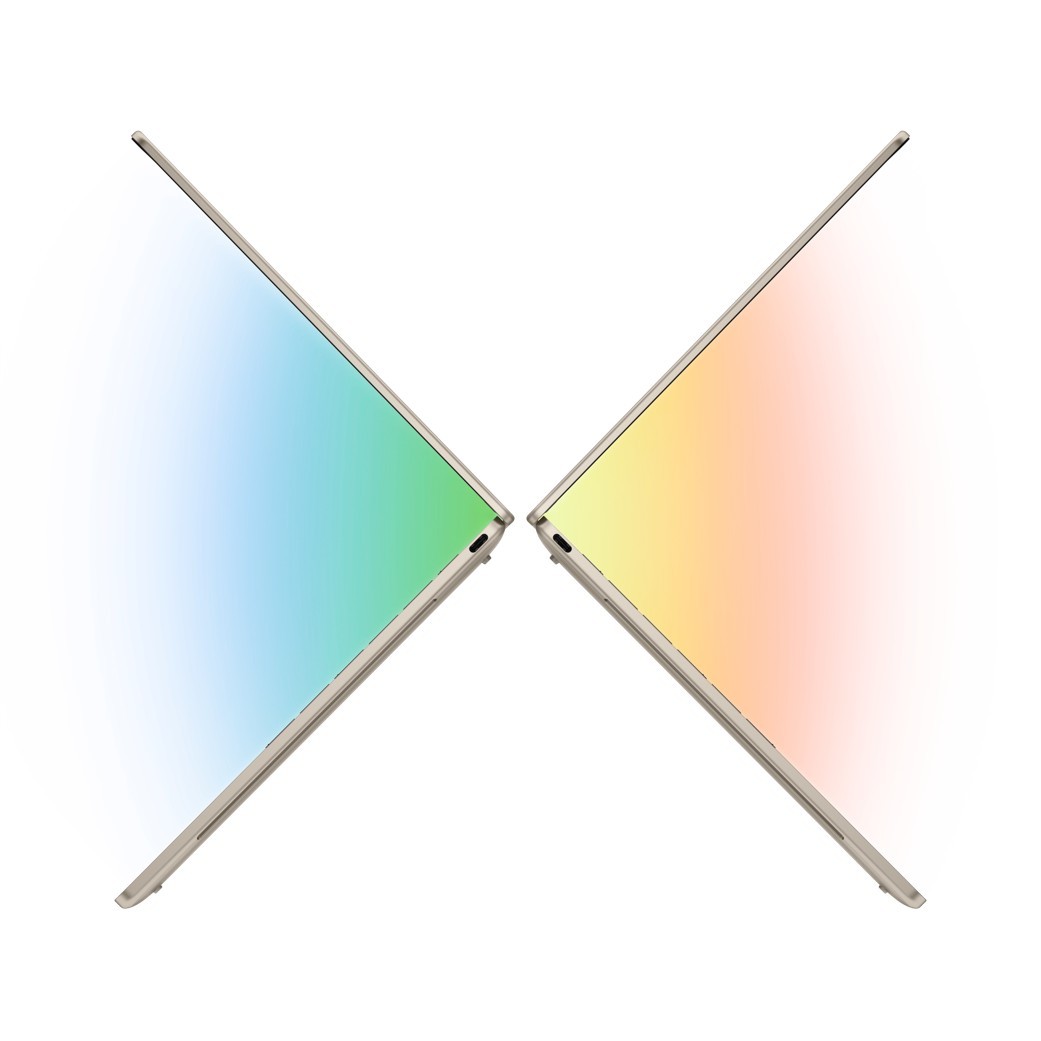
Every XPS begins with a solid aluminum chassis, precisely carved into a seamless, sculpted laptop. The XPS Googlebook continues that tradition with an approach that’s meticulous in every detail. At just 2.2 lbs and 12.7mm thin, it feels solid from every angle, with fewer parting lines, while being thin and light enough to carry anywhere.
The keyboard is a backlit chiclet design with a glass touchpad that’s quiet, familiar and precise, making it a laptop you can pick up and start using without a second thought.
A display that does justice to everything on it
Open the XPS Googlebook and you’re greeted by a 2.5K (2560×1600) InfinityEdge touch display with edge-to-edge glass that maximizes your view in a compact footprint. The panel covers 100% of the DCI-P3 color gamut, which means colors are rich, accurate and true to life.
Brightness reaches 500 nits, so content is clear and readable even in direct sunlight or bright indoor environments. A variable refresh rate adjusts dynamically between 30Hz and 120Hz, dropping to 30Hz when you’re reading or idle to preserve battery life, and ramping up to 120Hz when motion demands it. The result is a display that’s both visually smooth and energy-efficient.
Performance built for the way you work
The XPS Googlebook runs on Snapdragon X Elite, which enables efficient, responsive performance across everyday tasks. Plus, up to 32 GB of LPDDR5X memory delivers fast data transfer speeds.
The dual-fan cooling system keeps things cool and quiet, which means the laptop stays comfortable on your lap during long sessions and doesn’t disrupt a quiet room.
Battery life that keeps up with your day
The XPS Googlebook targets up to 16 hours of Netflix streaming on a single charge.² The panel’s variable refresh rate technology helps to extend runtime without compromising the experience.
For workdays, that means less time hunting for outlets and less reliance on carrying a charger everywhere.
Designed for Gemini intelligence

Gemini Intelligence on Googlebook brings a new level of smart, intuitive interaction to everyday tasks. Voice-to-text now removes filler words and adds formatting automatically, so you can think out loud to ideate, connect or even code. The cursor hasn’t changed for decades. On Googlebook, we’ve turned it into your magic wand. Simply wiggle your cursor to activate Gemini.
Gemini also works proactively on your behalf, recalling details from buried emails, pulling from your calendar and surfacing suggestions based on what’s on your screen. And when you step away, Gemini can serve as your 24/7 personal assistant, handling everything from planning a family trip itinerary to finding the best prices on your shopping list, so your to-dos get done even when your Googlebook is closed.
XPS Googlebook and Android phone sync
The hardware, chip architecture and software experience are all designed together so XPS Googlebook and your Android phone are in total sync.
That means you can view, search and insert your phone’s files, photos and downloads directly on your Googlebook, without waiting for transfers or duplicating files. You can also start a task on your Android phone, finish it on your Googlebook, picking up exactly where you left off without missing a beat.
The connection to Android goes deeper than most laptop-phone pairings. The XPS Googlebook keeps your notifications, messages and app context aligned across devices, even accessing apps from your phone directly on Googlebook, no installs needed.
Meet the Glowbar on Googlebook

It’s a statement on your laptop lid that is functional, beautiful and uniquely Google. It also acts as an easy, at-a-glance indicator of your battery life and charging status, so you know where your battery stands even when your laptop is closed.
No need to open the lid to check whether you’ve got enough charge for your next meeting. No need to guess whether it’s actually charging when you plug it in. The Glowbar tells you at a glance. It’s a small detail that makes a real difference, particularly for people who move between spaces throughout their day.
US pricing and availability
Starting at $999, available on Best Buy and Google Stores today. Available on Dell.com in October.
Dell reported this
Source: www.dell.com
Source link