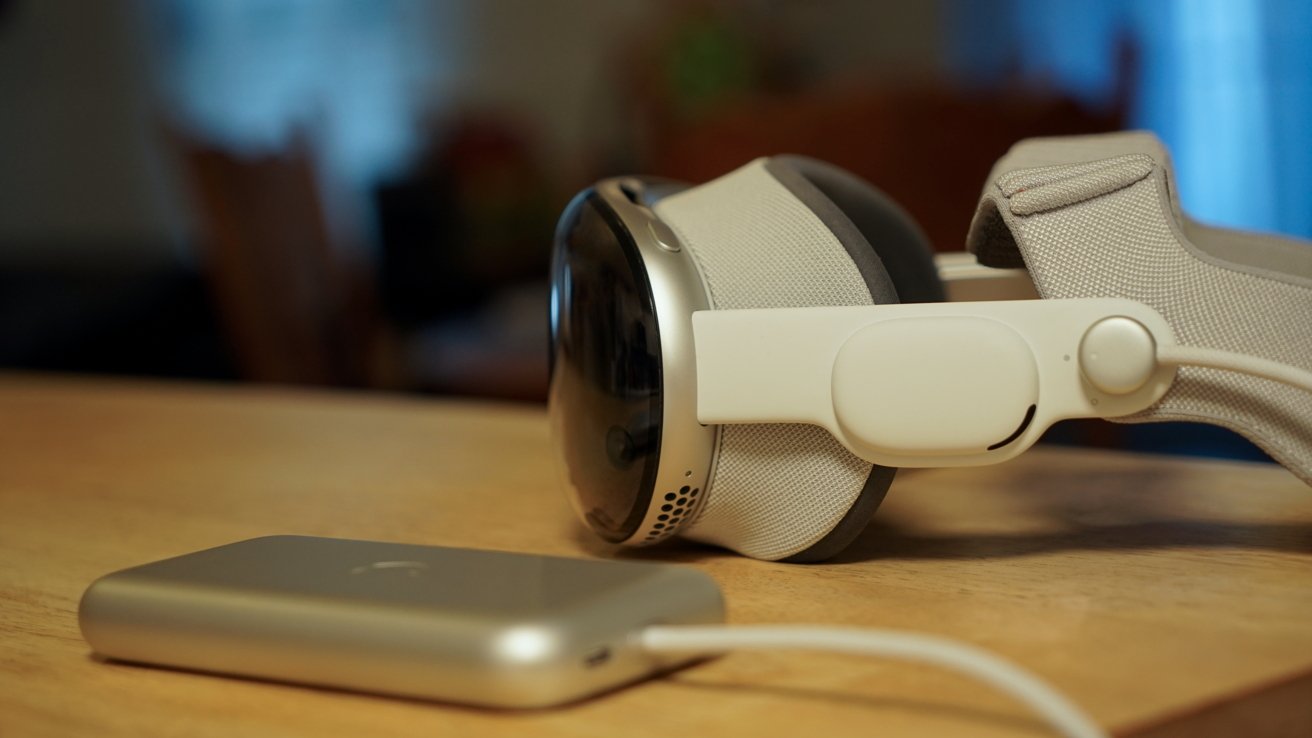
Apple Vision Pro is the one platform that could be impacted by the advent of AI the most, and Apple’s WWDC announcements for visionOS 27 show why.
WWDC 2026 is underway, and Apple is showing off all of the new features coming to each of the OS 27 updates due in the fall. Since Apple Intelligence can run on Apple Vision Pro, the new AI features are coming to the platform in addition to some platform-specific upgrades.
Apple has only just announced visionOS 27, so keep refreshing for more details as they become available.
visionOS is a relatively new operating system from Apple, so it has a lot of room to grow with each release. This is only its second full software revision, given that visionOS 2 was announced four months after Apple Vision Pro’s launch.
When Apple pre-announced its accessibility features, Apple Vision Pro was included with eye-tracking wheelchair control. AI-generated subtitles for video, Accessibility Reader, and the new natural language Voice Control are all coming to Apple Vision Pro as well.
Let’s get into what was revealed for visionOS 27 during the main WWDC keynote.
Spatial Panoramas
Apple’s WWDC keynote has a peculiar order to it, so it hasn’t provided in-depth feature upgrades for each OS as usual. However, new features for each device have been shared so far.
Spatial Panoramas open up new customization options for visionOS 27
For Apple Vision Pro and visionOS 27, there is a new Spatial Panoramas feature. Users can convert a panorama into a spatial 3D view.
Spatial Panoramas can also be set as custom environments which will open up customization on the platform.
Spatial Siri
visionOS 27 gains a new Siri interaction capability through spatial widgets. Add a Siri bauble to your environment for quick and easy access to the new Siri AI.
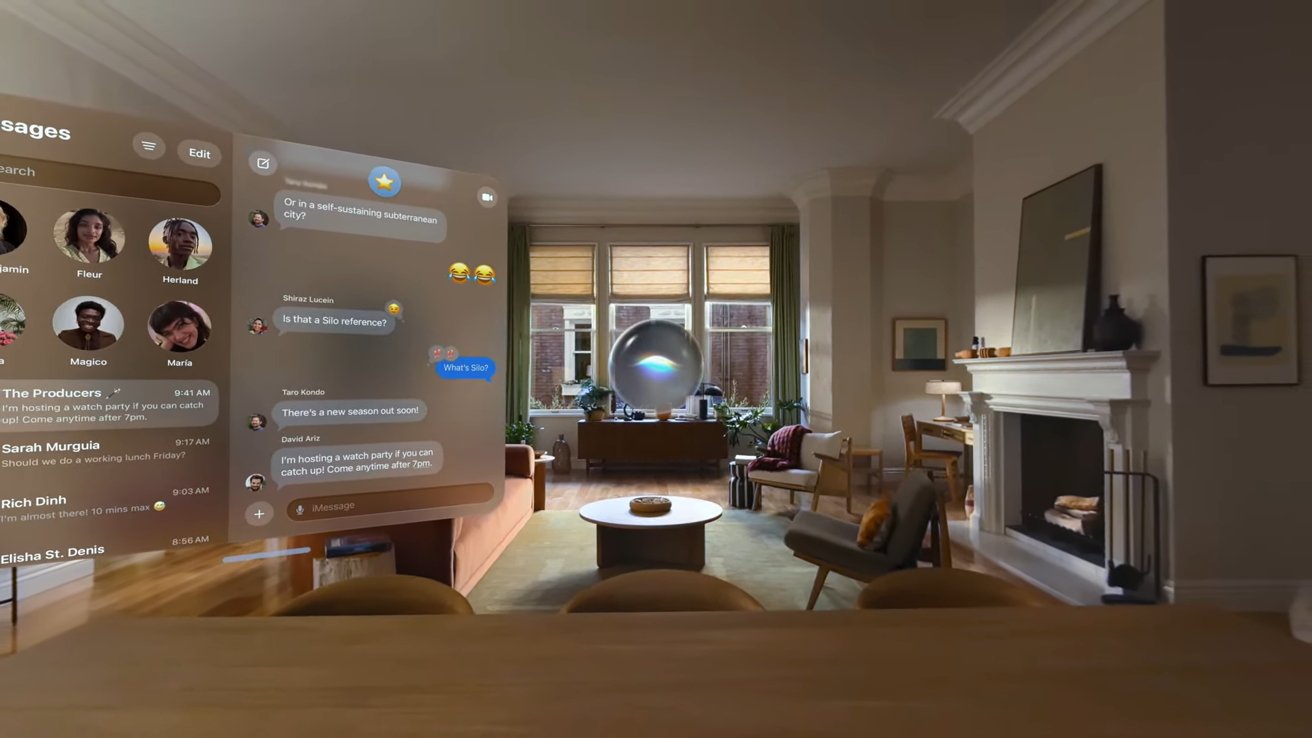
Siri gets a new 3D widget for visionOS 27
There’s no need for a wake word. Just look at the Siri AI widget and start speaking to interact with the AI.
Apple Intelligence has been upgraded with a new backend trained by Google Gemini technology. It has more contextual understanding and can interact privately with your on-device data to perform actions and answer questions.
The new models enable users to ask questions about objects they are looking at through their visionOS passthrough video feeds. Other AI features announced for iOS 27 like the improved Spotlight search and indexing are also coming to Apple Vision Pro.
Spatial Reframing
Any photo that could already be made into a spatial photo through conversion on Apple Vision Pro can now be edited with Spatial Reframing. The Photos app gained several new AI editing features, but the Spatial Reframing feature combines them into one.
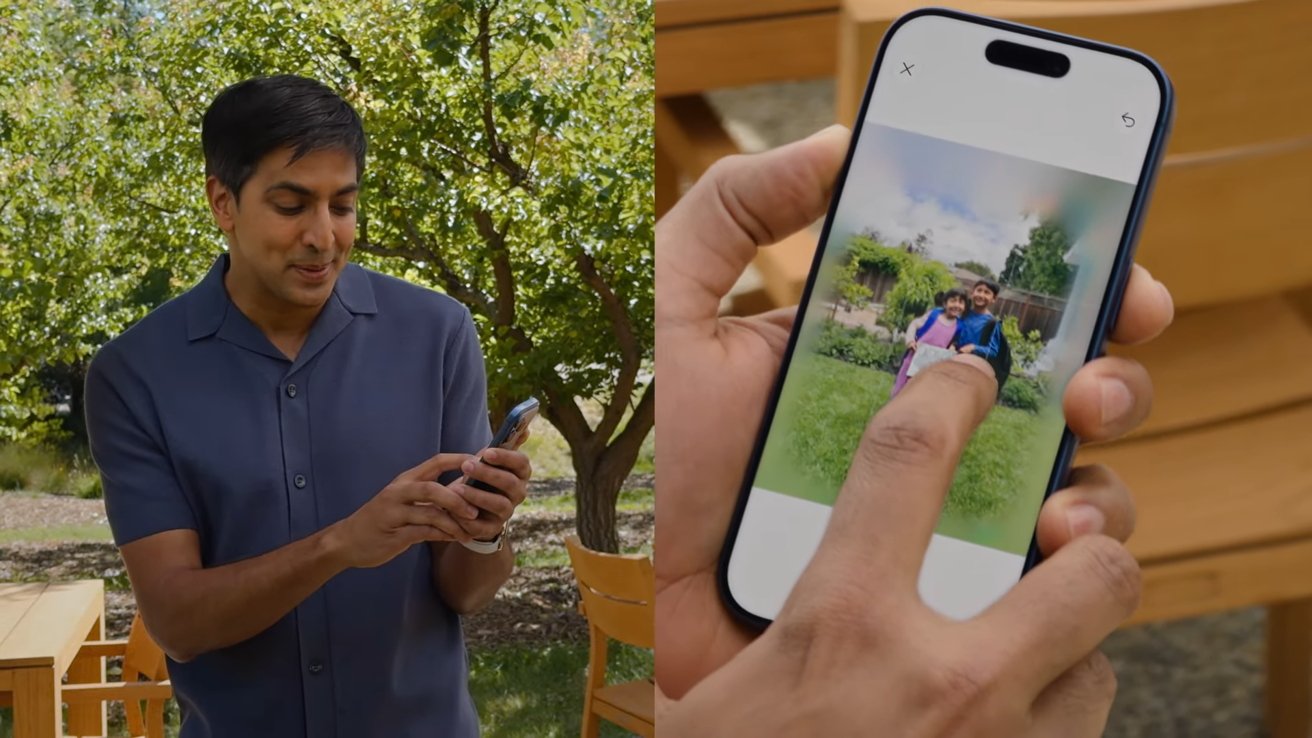
Spatial Reframing lets users change how an image was framed via AI generation
Users can take an image, crop in, rotate the subject separate from the background, and have it extend otherwise missing data around the edges all at once.
Additional visionOS 27 features
Apple touched on a lot of updates across its operating systems all at once. Here’s some of what is specifically coming to its spatial computing platform.
- New environment- Thórsmörk
- Curved windows for apps like safari, Apple TV multiview, and Freeform
- Expand notifications just by glancing at them
- New control center design
- Faster WiFi connection where Apple Vision Pro starts and connects to WiFi up to 3x faster
- Preview and edit 3D models from your Mac directly in your space
- Quick look enhancements where you can now override materials to view wireframes and uv maps, and add annotations
- Mac Virtual Display widget lets you connect to Mac with just a tap even when it’s closed
- New extra small widget size
- iMessage syncs faster
- Safari now supports fully immersive web experiences like 360° backgrounds
- Dwell control now allows you to glance at a selection marker to complete the interaction instead of using a timer
More will be revealed as the developer betas are installed and users are able to dive through each tiny detail. Since more time was spent on Apple Intelligence updates than specific OS feature changes, there are sure to be a lot of upgrades, feature introductions, and design tweaks that haven’t been mentioned yet.
Stay tuned as AppleInsider shares every new detail.
Source: www.appleinsider.com
Source link